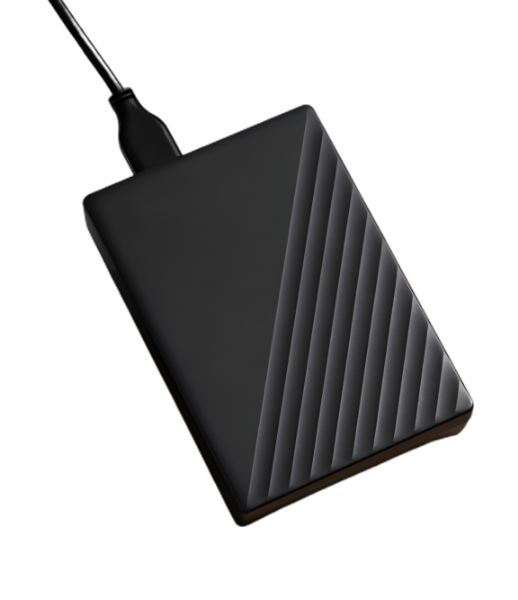



Bringing your lost SSD data back safely and securely

Solid-State Drive Data Recovery

For all models and configurations, we offer professional SSD data recovery services. Our experts use a comprehensive set of cutting-edge, specially created SSD recovery tools to recover data, even in the most complicated situations.

  • icon Recovery for 2.5” SATA, M.2 SATA, M.2 NVMe and PCIe SSDs
  • icon Certified Data Recovery in Controlled Clean Room
  • icon Fast, Risk-Free Recovery with 100% Data Guarantee
  • icon Recover Operating Systems: Windows, Mac and Linux
  • icon Restore Lost or Damaged Files Fully
  • icon Recover 1000+ File Types - Docs, PDFs, Media & More
Data Recovery Process

Media Pickup

We arrange pickup of your storage device at your chosen time and place.

Media Analysis

The extent of damage on your storage device will be evaluated by our in-house specialists.

Data Recovery

Data recovery is performed in a controlled Clean Room environment for maximum success.

Data Verification

We provide an option to verify your recovered data both online and offline.

Payment

No Recovery, No Fee - Payment is required only upon successful data recovery.

Data Delivery

Your data will be transferred to a new media and safely delivered to your location.

Frequently Asked Questions

Q. Is SSD data recovery more difficult than HDD recovery?
A.

Yes. Due to their complex memory management and unique data storage methods (such as the TRIM command), SSDs make recovery more challenging, particularly after files are erased.

A.

When files are deleted, the TRIM command permanently removes data blocks. The recovery of deleted files may become extremely difficult or impossible if TRIM is enabled.

A.

Yes, experts can use specific techniques to extract data if the NAND memory chips are still intact.

A.

To avoid overwriting data, stop using the SSD right away. Before trying any fixes yourself, disconnect it if at all possible and look for SSD data recovery solutions.

A.

Yes, but only if you possess the password or encryption key. Modern SSDs use sophisticated encryption techniques that make decryption nearly impossible without it.

6 Explicit Indications That Your SSD Is About to Fail!

Slow Perfomance
System takes longer to load files and programs.
Frequent Crashes
Sudden freezes and restarts happen often.
Corrupted Files
Documents, images or software fail to open.
Read-Only Mode
You can access files but can't edit or save them.
Boot Errors
The system fails to start or shows disk errors.
Not Recognized
The SSD doesn't appear in the system or BIOS.

SSD Recovery Process

With NAND flash memory recovery and solid-state drive brands of all kinds, our experts continue to deliver dependable data recovery outcomes. This enables us to stay on the cutting edge of emerging technologies and keep helping our clients succeed.

Get Started Today